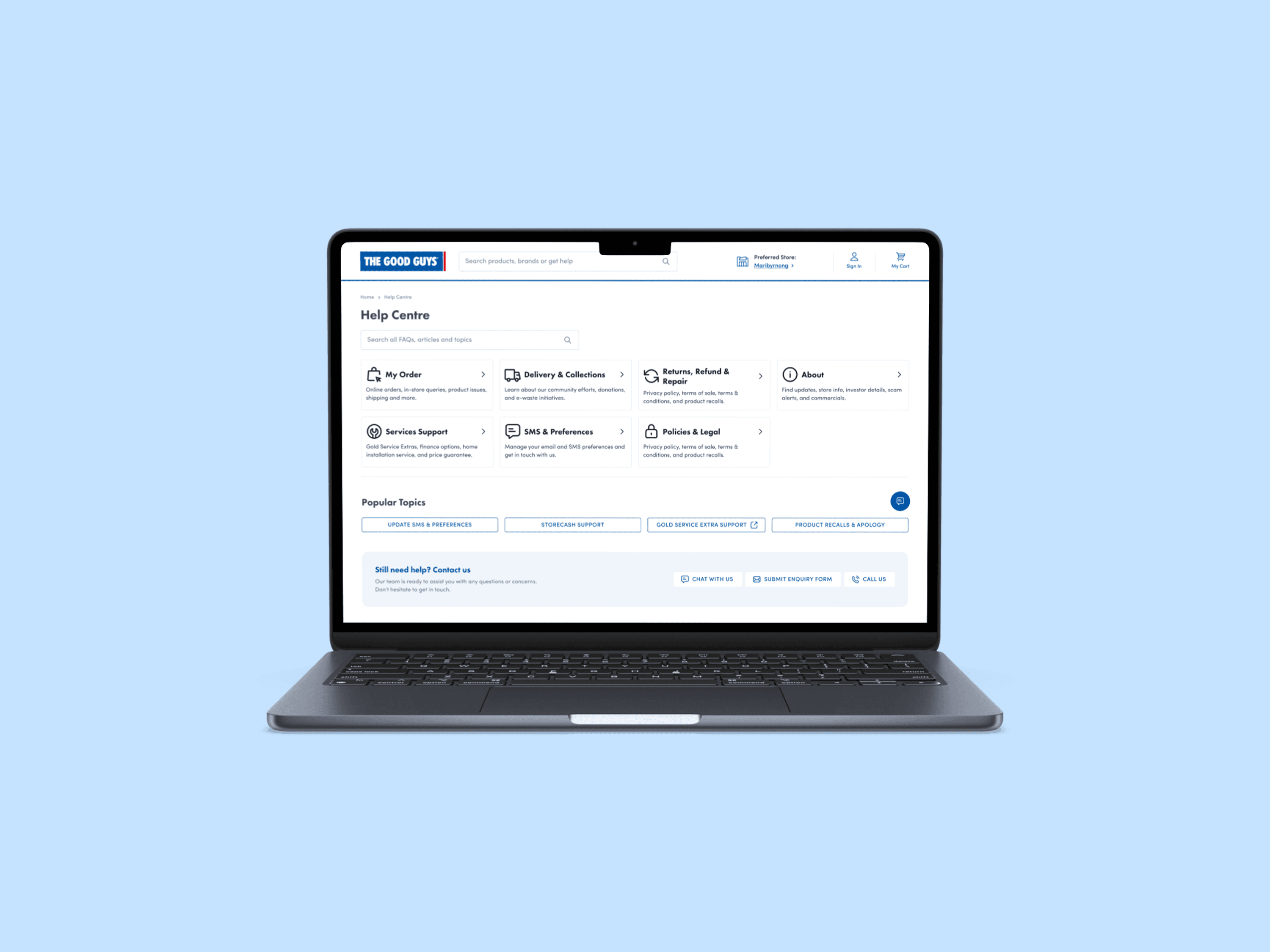
Reducing support volume and improving clarity in The Good Guys help centre
UX Designer
The Good Guys Help Centre had grown into a sprawling collection of help articles scattered across different pages and platforms. The experience lacked a consistent structure, had no clear categorisation, and didn't follow well-understood help UI patterns. Users found it overwhelming and difficult to navigate, which led to a spike in support requests and frustration. My task was to audit the experience, define a clearer structure, and redesign the Help Centre to reduce cognitive load and improve self-service outcomes.
What was the problem?
At first glance, it looked like the solution was a visual redesign.
But after spending time exploring the experience, it became clear the interface wasn't the biggest problem.
An audit revealed:
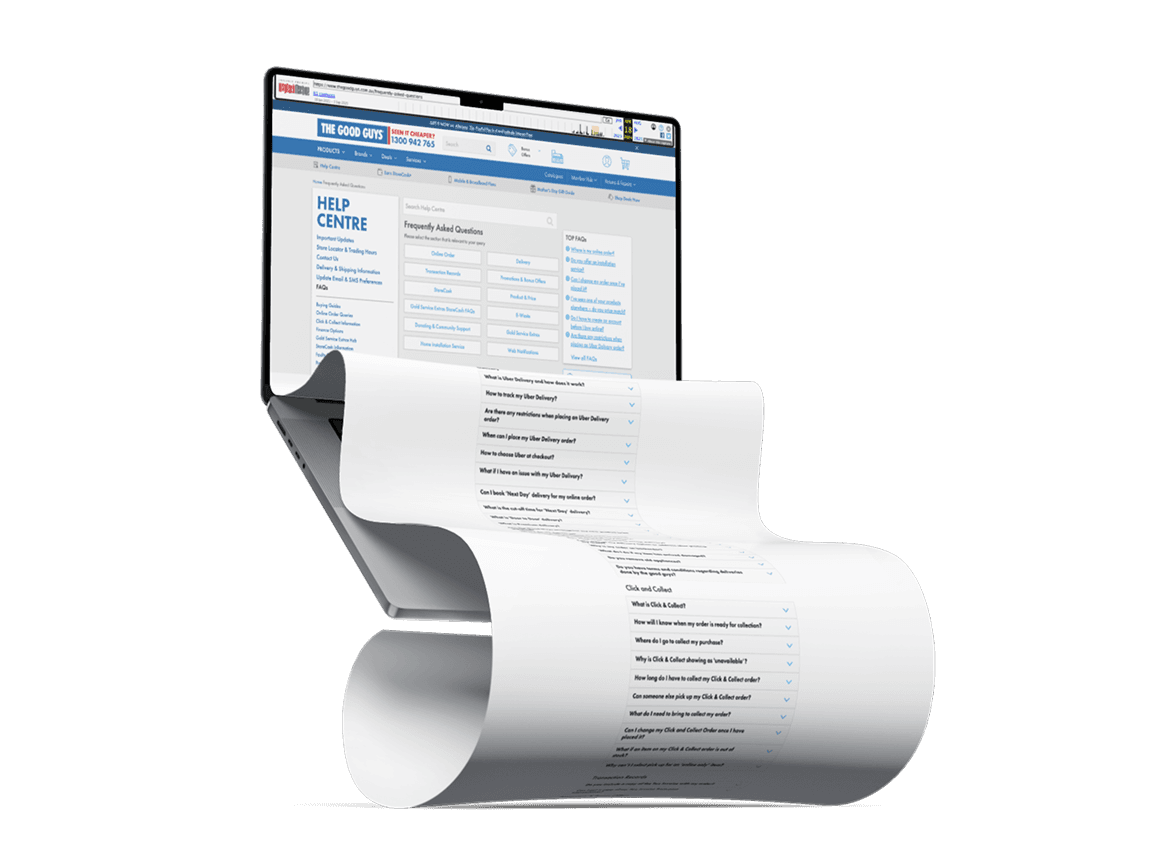
The Help Centre had become a repository of SEO-focused content rather than a support experience designed around customer needs. Long pages of FAQs stretched endlessly down the screen, while left-hand navigation, content cards and secondary navigation all competed for the user's attention at the same time.
Customers weren't struggling because answers didn't exist.
They were struggling because they didn't know where to look.
What we learned
We facilitated a series of card sorting workshops with stakeholders and customer service staff. Rather than validating the existing structure, the goal was to understand how support content should be organised from the ground up.
The exercise was broken into three stages.
First, participants grouped topics into broad categories to establish the primary navigation. From there, they organised content into second-level categories before finally mapping individual articles beneath each section.
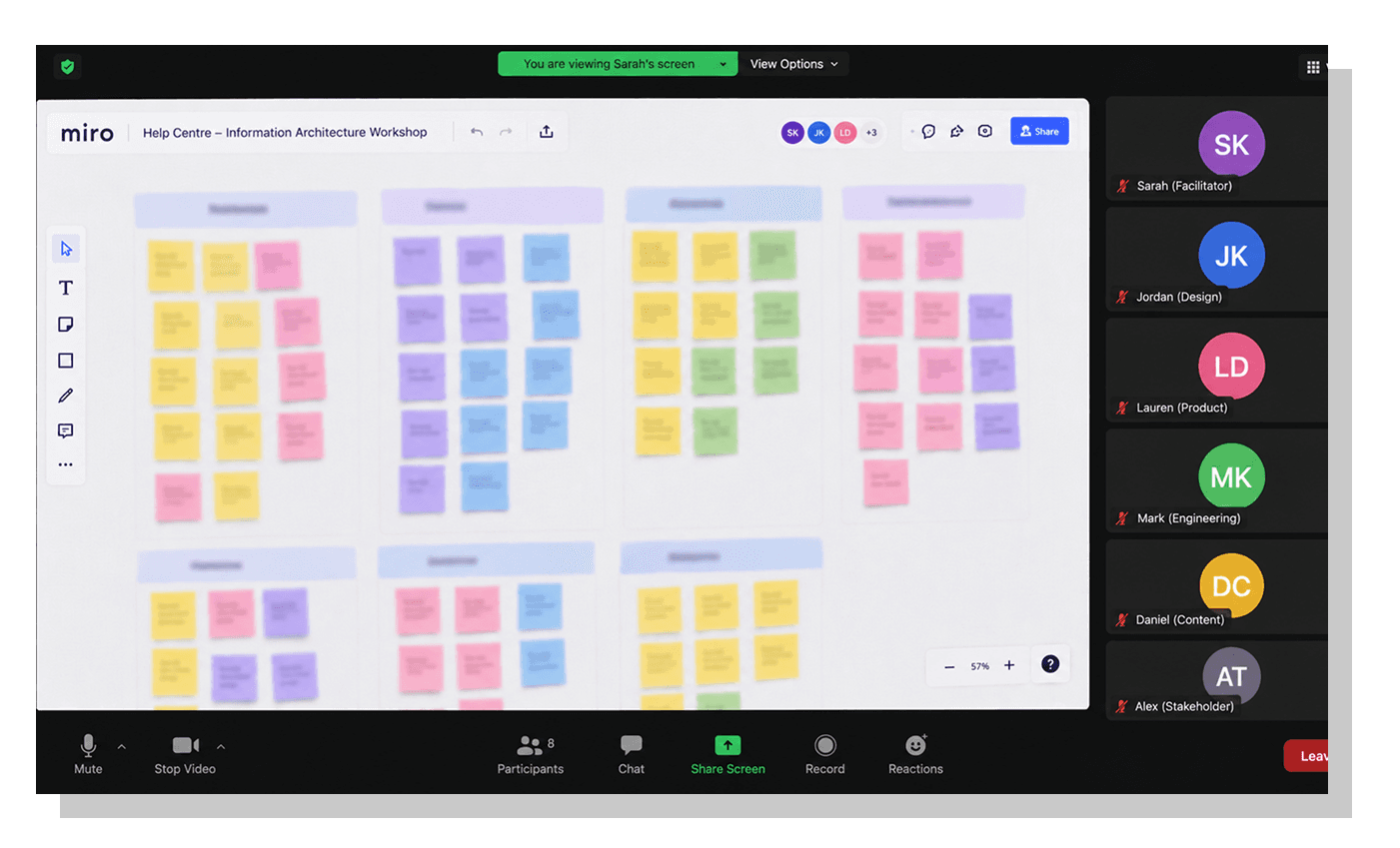
This helped us build an information architecture that reflected users' mental models rather than the structure that had evolved over years of incremental content additions.
From these workshops, we established a clearer category hierarchy, more intuitive naming conventions and a scalable content model that supported progressive disclosure and cross-linking between related articles.
Throughout the redesign, we drew on established support patterns used by leading retailers and software platforms, prioritising familiarity over novelty. The objective wasn't to reinvent the Help Centre. It was to make finding answers feel effortless.
What we did
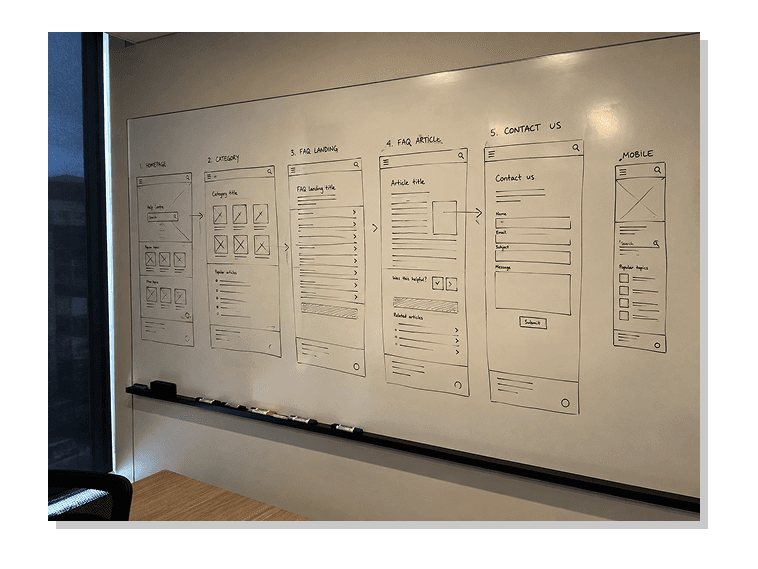
We explored early concepts through low-fidelity wireframes, using them to test content placement, navigation structure, and link density. As we moved into high-fidelity design, we simplified the UI and removed unnecessary elements that distracted from the core task: helping users solve problems fast.
Key improvements included:
A consistent, scalable layout for all help articles
Clear categorisation with iconography and headlines
A prominent search experience with autosuggest
Inline links to contact support only after self-service attempts
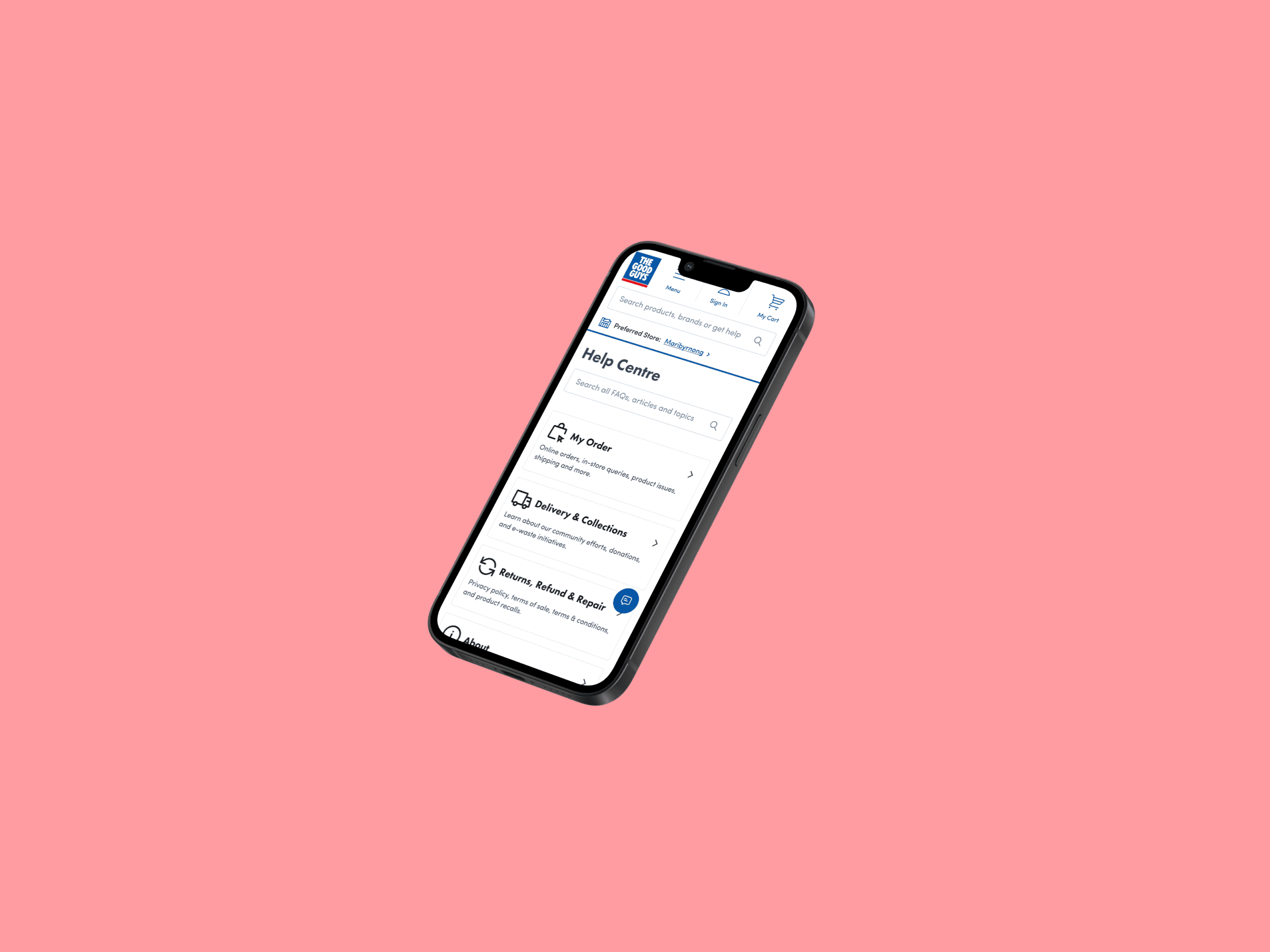
Responsive design optimised for mobile users in problem-solving contexts
Every detail was designed with simplicity and helpfulness in mind and informed by the real-world support issues that were driving users to escalate.
Our impact
The redesigned Help Centre makes it significantly easier for users to find accurate, relevant help content without bouncing to other parts of the site. The experience aims to reduce friction, improve comprehension, and align the UI to better support people in moments of need.
Highlights:
Reduced cognitive load through better categorisation and hierarchy
More consistent support experience across all devices
This work demonstrates how thoughtful UX strategy, paired with strong IA and UI principles, can help lay the foundation for reducing support volume and building greater user trust over time.